


Posts

Posts


Governance
You can keep a careers website on-brand without a developer, but not without rules. Give editors a brand system to build from, clear roles and an approval path, and a no-code builder that makes the right change easy and the wrong change hard. Then build a weekly habit of checking what changed. Here is how.
"We want to make changes without waiting for a developer." I hear it in almost every first conversation with an employer brand or TA team. It is the right goal. But I always ask the follow-up question: what stops the brand drifting once ten people can change it?
Removing the developer removes a bottleneck. It also removes a safety net. Before, every change passed through someone who knew the templates. Now, a recruiter in another country can publish a page on a Friday afternoon. That is a good thing, as long as the system protects the brand on their behalf.
You do not scale story by control. You scale story by stewardship.
That idea from Sell The Truth is about storytelling across a company, and it applies just as well to a careers website. You will not keep a brand consistent by controlling every edit. You keep it consistent by giving people good rules, good tools and a clear owner.
Editors do not need the brand guidelines PDF. They need the brand built into the tools they use:
This is where most teams under-invest. Decide, before anyone gets a login, who can do what:
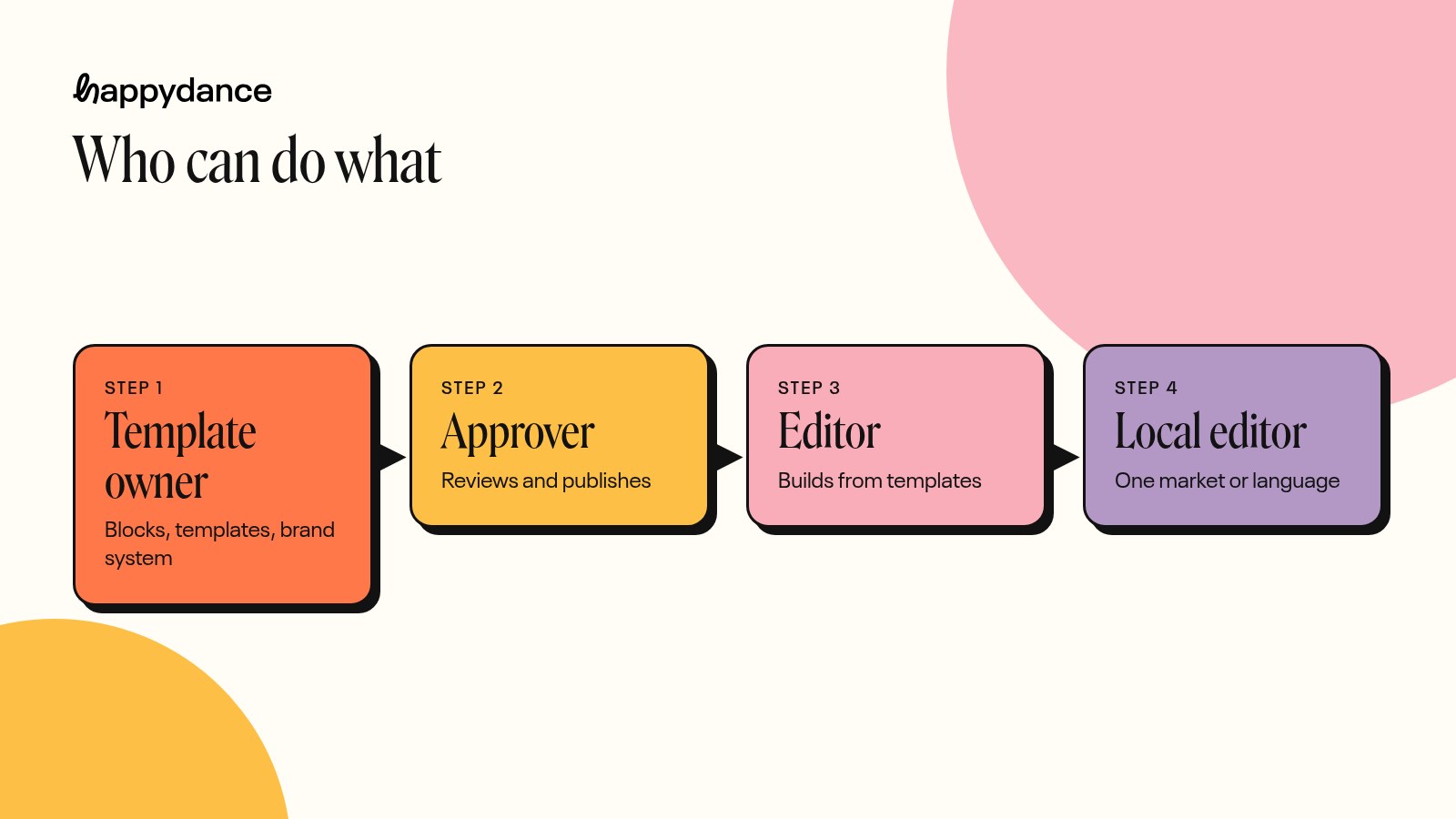
| Role | Can do | Typical person |
|---|---|---|
| Template owner | Change blocks, templates and the brand system | Employer brand lead or design owner |
| Approver | Review and publish pages in their area | Employer brand or TA manager |
| Editor | Create and update pages from templates, send for approval | Recruitment marketing, TA partners |
| Local editor | Update one market or language | Regional TA or HR |
Add version history and rollback, so a mistake can be undone in seconds, and scheduled publishing, so campaign pages go live when planned.
The productCareer Site BuilderThe block library, design system, timelines and acceptance checks behind every Happydance careers website.Explore the builderNo-code is a useful phrase and a slippery one. On a careers website, a no-code careers website builder should let approved people do all of this without a developer or a support ticket:
If any of those still needs a developer, the builder is not really no-code for your purposes. And if all of them are possible but nothing stops an editor restyling a block, it is not really on-brand.
The teams I see doing this well have one small habit. Once a week, the template owner spends twenty minutes on three questions: what changed this week, does any of it look or sound off brand, and is there a block request we should say yes to? It is not glamorous. It is the reason their careers website still looks like them two years later.
If you are choosing a system that can do this, start with a career site builder that has a brand system, roles and approvals built in. If you lead employer brand, the career site builder for employer brand page sets out the brand control and governance to look for. And for the wider supplier question, read how to choose a career site provider.
Bring your careers website and the pages your team finds hardest to keep on brand. We will show you, on a live system, how Happydance would run them.
Explore the builder Book a demo
Prefer to write? Contact us and tell us what you are working on.
Yes, if the builder is designed for it. Approved editors should be able to create and update pages from templates, manage languages and publish through an approval step without a developer.
That day-to-day changes, from new pages to copy, images, stories and languages, can be made in the builder by your own team, without writing code or raising a ticket.
Build the brand into the tools: approved blocks that cannot be restyled, templates per page type, an approved asset library, phone previews, approvals and a weekly review of what changed.
A small number of approvers, usually in employer brand or TA. Editors create and update pages, then send them for approval.
Ask for a live demo where one of your own team builds a page from a template, adds a story, sends it for approval and rolls it back, all without a developer.

About the author
Bryan Adams is the founder and CEO of Happydance and the author of Sell The Truth.
Posts

Posts

Posts