


Posts

Posts


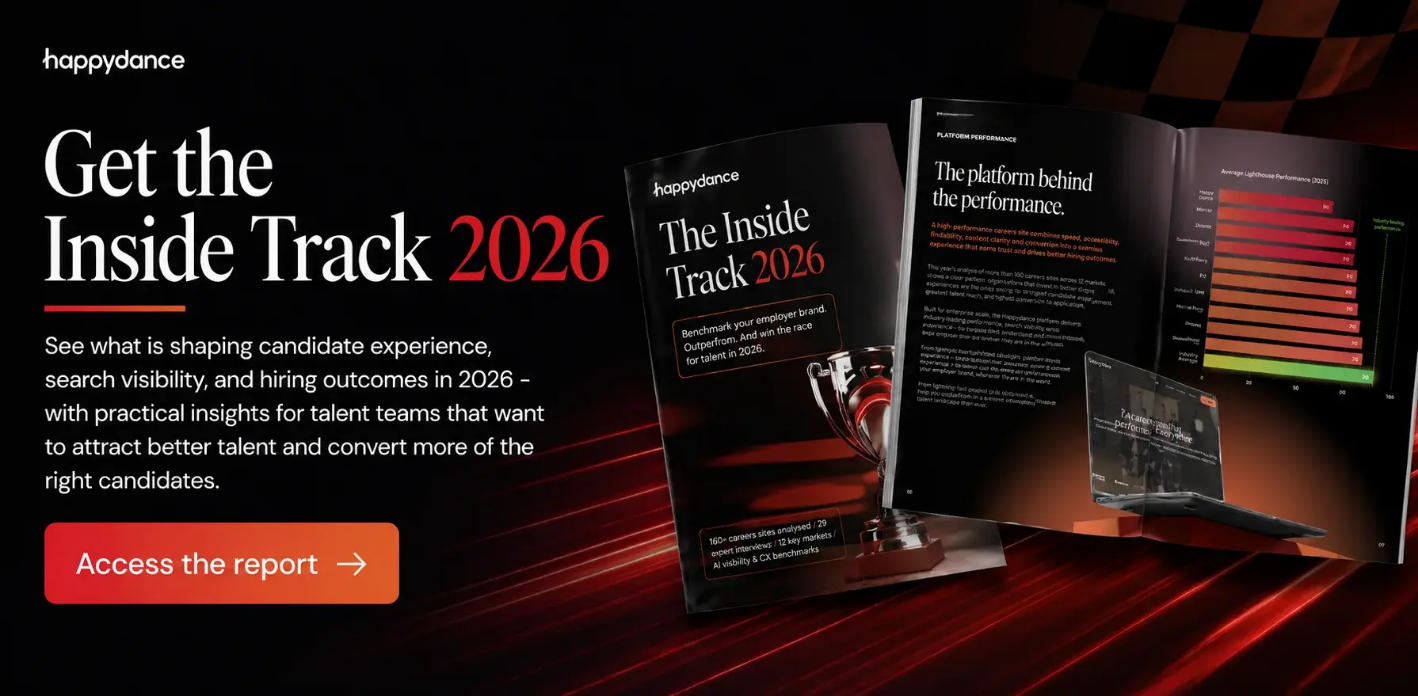
Want to see how careers websites are performing in 2026? Access The Inside Track 2026 report and explore the benchmark data.
Most organizations can tell you exactly what their careers website looks like. They can probably tell you who designed it, how much it cost, and what CMS they built it They usually cannot tell you if it is working.
This gap between appearance and performance is where most career sites live. They look professional. They feel branded. They hit all the aesthetic requirements. Meanwhile, they are losing candidate momentum in places nobody is watching.
The performance gap is often hiding in plain sight.
If you want to understand where your careers website is losing momentum, you do not need to rebuild it. You need to audit it. Start with these five areas.
How fast does your careers website load on a phone with a 4G connection? Go time it. Seriously. Do not assume you know. Time it from the moment someone clicks through to the moment the page is useful. If it takes longer than three seconds, you are losing momentum.
Then check your mobile usability. Can you find a specific role easily on mobile? Can you read the role description without zooming? Can you apply without jumping back and forth between fields? Mobile is not secondary anymore. Mobile is primary.
The Inside Track 2026 study found that the average Fortune 100 careers website loads in 7.5 seconds. More than a quarter of the 135 sites we benchmarked take longer than 5 seconds, and these are some of the biggest, most respected brands in the world.
Google’s Chrome User Experience Report (CrUX) shows that 47% of mobile sites globally still fail to achieve ‘Good’ ratings across all three Core Web Vitals simultaneously. The average Fortune 100 careers website - loading in 7.5 seconds - sits squarely in that failing majority. Whilst the fastest sites in the study - 2 seconds and under - many powered by Happydance, are far more likely to pass.
This is usually where people expect me to lead with legal compliance. I am not going to. I am going to lead with this: can someone with a screen reader navigate your careers website and find a role? Can someone with color blindness read the content? Can someone with limited mobility use your apply button?
If you do not know the answer, you are excluding candidates you probably want. And you are missing a signal about where else the website might be confusing or unclear.
How many candidates land on your careers website home page and then leave without exploring further? If that number is high, you have a discovery and content relevance problem. They cannot find what they are looking for or tell quickly if there is anything relevant there.
Go and search for a role on your own website. Use Google to search for roles on your site. Are you visible in search results for the kinds of roles you are hiring for? Are the results clear and useful? Or is the search experience broken in ways that do not matter for branding but matter enormously for candidate discovery?
Pick your three most important open roles. Read the descriptions as if you were a candidate. Do you understand what success looks like in this role? Do you understand what kind of person thrives here? Do you understand what a typical day looks like, not the polished version?
If the answer is no, your candidates are leaving with the same confusion. And the ones who apply are probably less aligned than they could be.
How many steps does it take from landing on a role to sending an application? Count them. Seriously. Include every screen, every form field, and every confirmation page. If it is more than five steps, you are adding friction.
Then, apply yourself. What is the experience? How long does it take? How many times do you have to re-enter information you have already provided? How long does the confirmation take? Every friction point costs you momentum exactly when you should be building it.
Google and Deloitte research consistently shows conversion rates fall approximately 12–15% for every additional second of page load time. That compound effect is the mechanism behind the variation you see across websites, not a quirk of the data, but a predictable consequence of performance differences.
Across global Happydance customer websites using our analytics dashboard, measured in June 2026, the average session-to-apply rate - the percentage of site visits that result in a candidate clicking to apply - is 18%. The median is 14.6%. For the lowest-performing websites in the group, the rate falls below 5%. That range tells you how much variation exists between websites that make the apply journey easy and those that do not.
Understanding where your website sits is the first diagnostic question worth answering.
So, you have looked at these five areas. What do you do with what you find?
First, prioritize by impact. Not every gap costs the same. A slow page costs you momentum with every candidate. A single confusing form field might cost you one per week. The gaps that affect most candidates, most often, are the ones to fix first.
Second, look for patterns. If your mobile experience is slow, your role pages are also probably unclear. If your search is not working, your information architecture is probably not structured well. Do not solve these as individual technical problems. Solve them as systems problems.
Third, measure before you change and after you change. You must know if the fix worked. The candidates most likely to tell you whether your optimization worked are the ones you lose because you did not optimize far enough.
Candidate expectations are changing faster than most organizations are changing. They have come to expect fast, clear, accessible experiences from every website they use. Your careers site is not competing against other careers sites. It is competing against Amazon. Against Google. Against the last website they used successfully.
When your careers site falls short of those expectations, it is not just a hiring problem. It is a signal problem. It signals that your organization moves slowly. That you do not think about edge cases. That you are optimizing for the easy path and leaving the difficult ones broken.
The teams that are winning right now are the ones that understand that every technical problem is also a candidate experience problem, and every candidate experience problem is also a signal about your organization.
The question is not only what the site says. It is what the site helps candidates do.
Start with the five-point diagnostic. Do not overthink it. Do not wait for permission to measure it. Just start looking at where your careers website is losing momentum and then start fixing the gaps that cost you the most.
The organizations that move now will have a significant advantage before the end of the quarter. The gap between performed and polished is about to become the gap between competitive and obsolete.
Posts

Posts

Posts